What is Onscreen Marking? A Complete Guide for Universities
Onscreen marking (OSM) is a digital evaluation method where examiners mark scanned answer sheets on a computer screen instead of paper. Learn how it works, its benefits, and how to implement it.
What is Onscreen Marking?
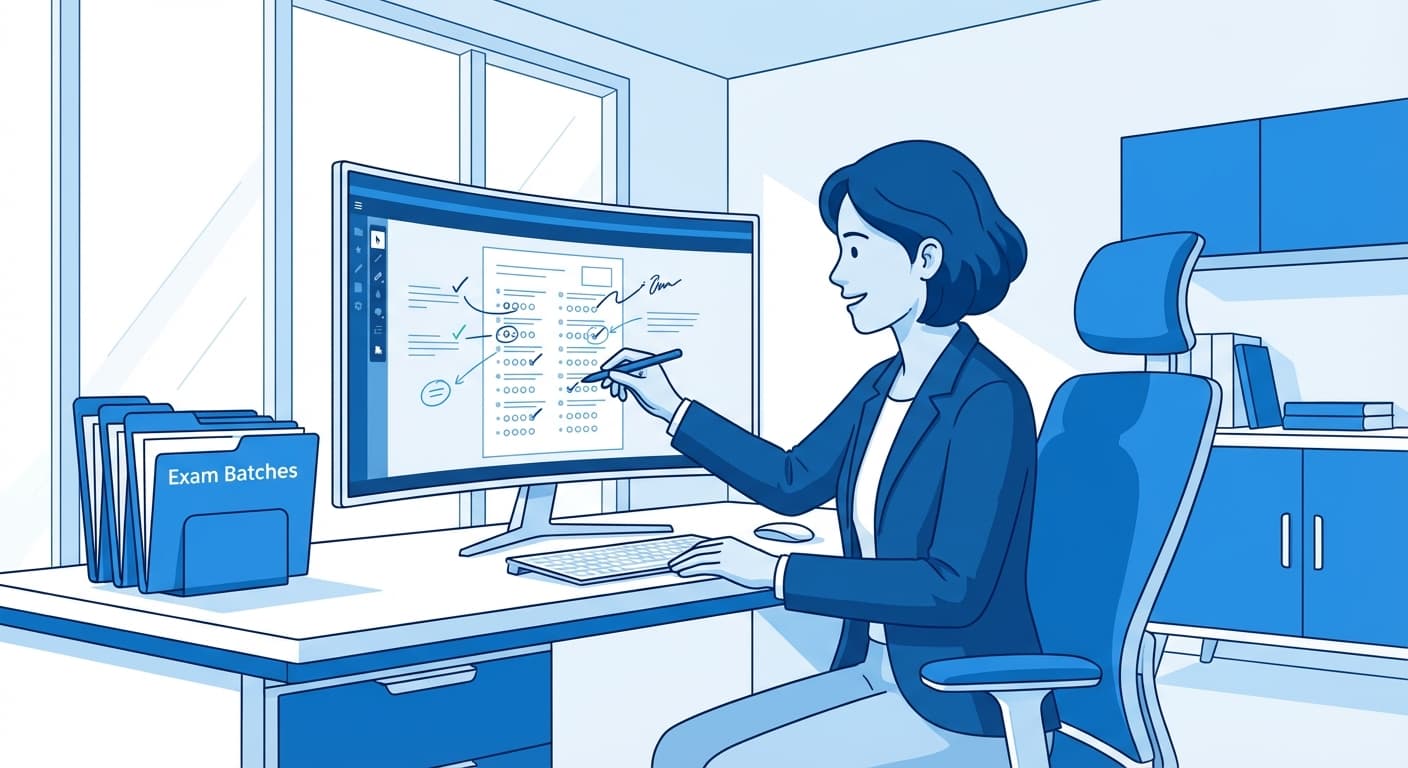
Onscreen marking (OSM) — also known as onscreen evaluation or digital evaluation — is a method of assessing exam answer sheets where physical answer books are scanned into digital images, and evaluators mark them on a computer screen using specialized software.
Instead of distributing thousands of paper answer books to evaluators' homes or evaluation centres, universities digitize the answer sheets and provide evaluators with a secure web-based interface to view, annotate, and score each answer — from anywhere with an internet connection.
How Does Onscreen Marking Work?
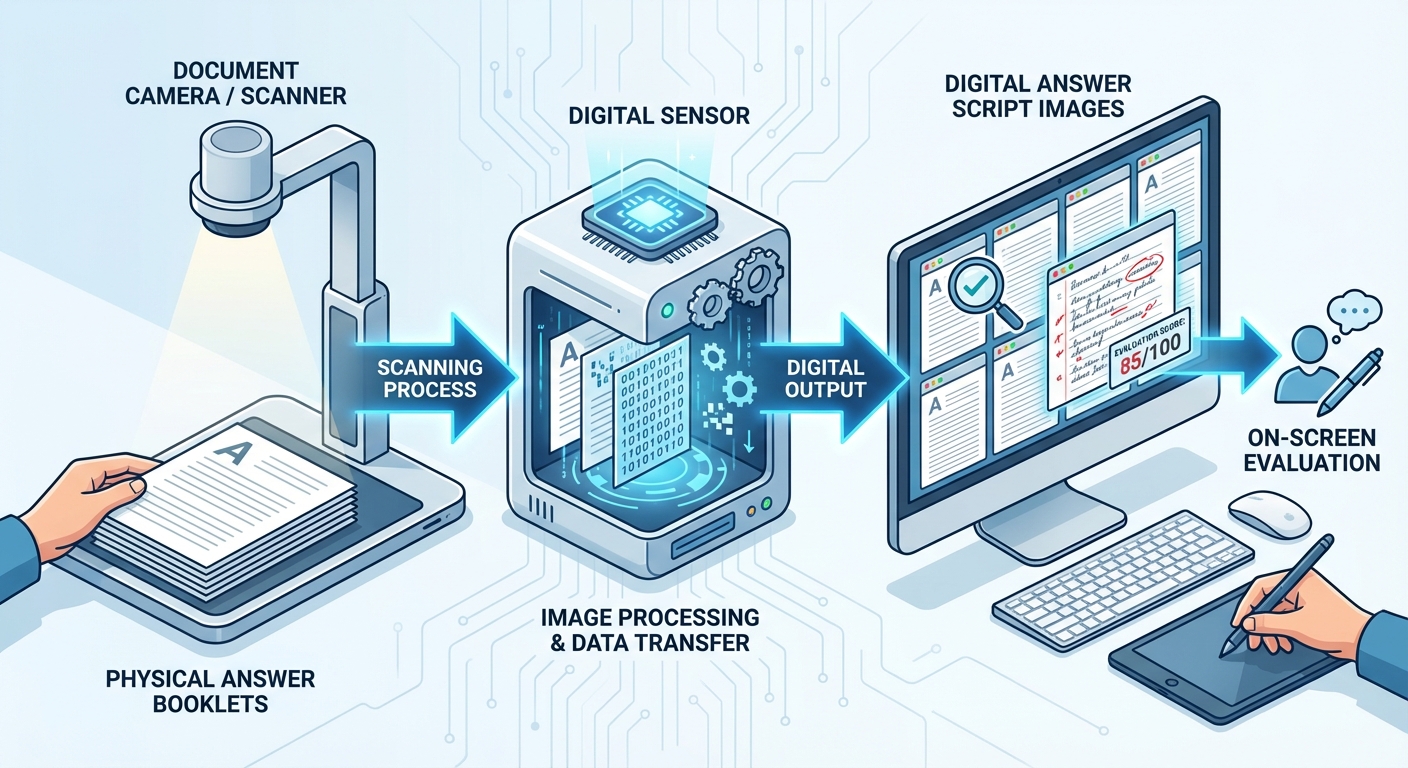
The onscreen marking process follows a structured pipeline:
Step 1: Answer Sheet Scanning
Physical answer booklets are scanned at high-speed scanning stations. Modern systems like MapleScan use overhead cameras with automatic spine detection — the system detects the spine of an open booklet, splits left and right pages, corrects perspective distortion, and validates QR codes and barcodes for page ordering. A full 32-page booklet can be scanned in under 2 minutes.
Step 2: Quality Control
Scanned images undergo quality checks. QC operators inspect pages for blur, missing content, or cut-off edges using grid views (2, 4, or 8 pages at once). Rejected pages can be individually re-cropped without rescanning the entire booklet.
Step 3: Assignment to Evaluators
Administrators assign answer books to qualified evaluators by subject. Modern systems support automatic distribution, pool-based assignment, and workload balancing across hundreds or thousands of evaluators.
Step 4: Digital Evaluation

Evaluators access their assigned answer books through a web browser. The evaluation interface typically shows the scanned answer sheet on one side and a question grid on the other. Evaluators can:
Step 5: Moderation & Quality Assurance
Moderators and chief examiners review a sample of evaluated answer books. They can verify scores, flag inconsistencies, and issue warnings to evaluators showing irregular marking patterns.
Step 6: Result Processing & Publication
Once evaluation and moderation are complete, the system processes results with multi-point validation — checking for unevaluated questions, score discrepancies, and totalling errors before publishing results to students.
Benefits of Onscreen Marking
60-80% Faster Evaluation
Evaluators can mark significantly faster on screen compared to paper. No time is wasted on logistics — no collecting physical answer books, no manual totalling, no physical transport of papers.
Complete Transparency and Audit Trail
Every action is logged — who marked what, when, and any changes made. This creates a compliance-ready audit trail that satisfies RTI requirements and regulatory audits.
Elimination of Totalling Errors
Automatic score calculation eliminates the manual totalling errors that plague paper-based evaluation. The system validates that individual question marks add up correctly.
Secure Evaluator Authentication
Modern onscreen marking systems use OTP authentication via SMS and email, and some even employ face recognition proctoring to verify that the assigned evaluator is the one actually marking the papers.
Real-Time Progress Tracking
Administrators can monitor evaluation progress in real-time — tracking how many answer books each evaluator has completed, which subjects are pending, and overall completion status.
Multi-Location Evaluation
Evaluators can mark from anywhere with an internet connection. This eliminates the need for physical evaluation camps and allows institutions to tap into a wider pool of qualified evaluators.
Onscreen Marking vs Traditional Paper Evaluation
| Aspect | Paper Evaluation | Onscreen Marking |
|---|---|---|
| Speed | 30-45 days typical | 8-15 days |
| Totalling Errors | Common (manual) | Zero (automatic) |
| Audit Trail | Limited | Complete digital trail |
| Evaluator Location | Must be on-site | Anywhere (remote) |
| Answer Book Security | Physical handling risks | Digital, encrypted |
| Re-evaluation | Full physical re-checking | Digital, instant access |
| Quality Control | Sampling-based | Systematic moderation |
| Cost | High (logistics, camps) | Lower (no physical logistics) |
Who Uses Onscreen Marking?
Onscreen marking is widely adopted by:
In India, systems like MAPLES OSM have evaluated over 5,00,000 answer books with 11,000+ evaluators handling 4,000+ concurrent evaluations.
How to Implement Onscreen Marking at Your Institution
Conclusion
Onscreen marking transforms exam evaluation from a slow, error-prone manual process into a fast, transparent, and auditable digital workflow. With CBSE adopting OSM for board exams and universities across India already using digital evaluation at scale, the shift from paper to screen is accelerating.
For institutions looking to implement onscreen marking, platforms like MAPLES OSM provide end-to-end solutions — from high-speed booklet scanning to on-screen evaluation, moderation, and result processing — all in one integrated system.
Related Reading
Ready to digitize your evaluation process?
See how MAPLES OSM can transform exam evaluation at your institution.