Answer Book Inwarding: How to Track Every Booklet from Receipt to Result
A complete guide to the answer book inwarding process — QR code registration, batch tracking, chain of custody, and how digital inwarding eliminates missing booklets and miscounts.
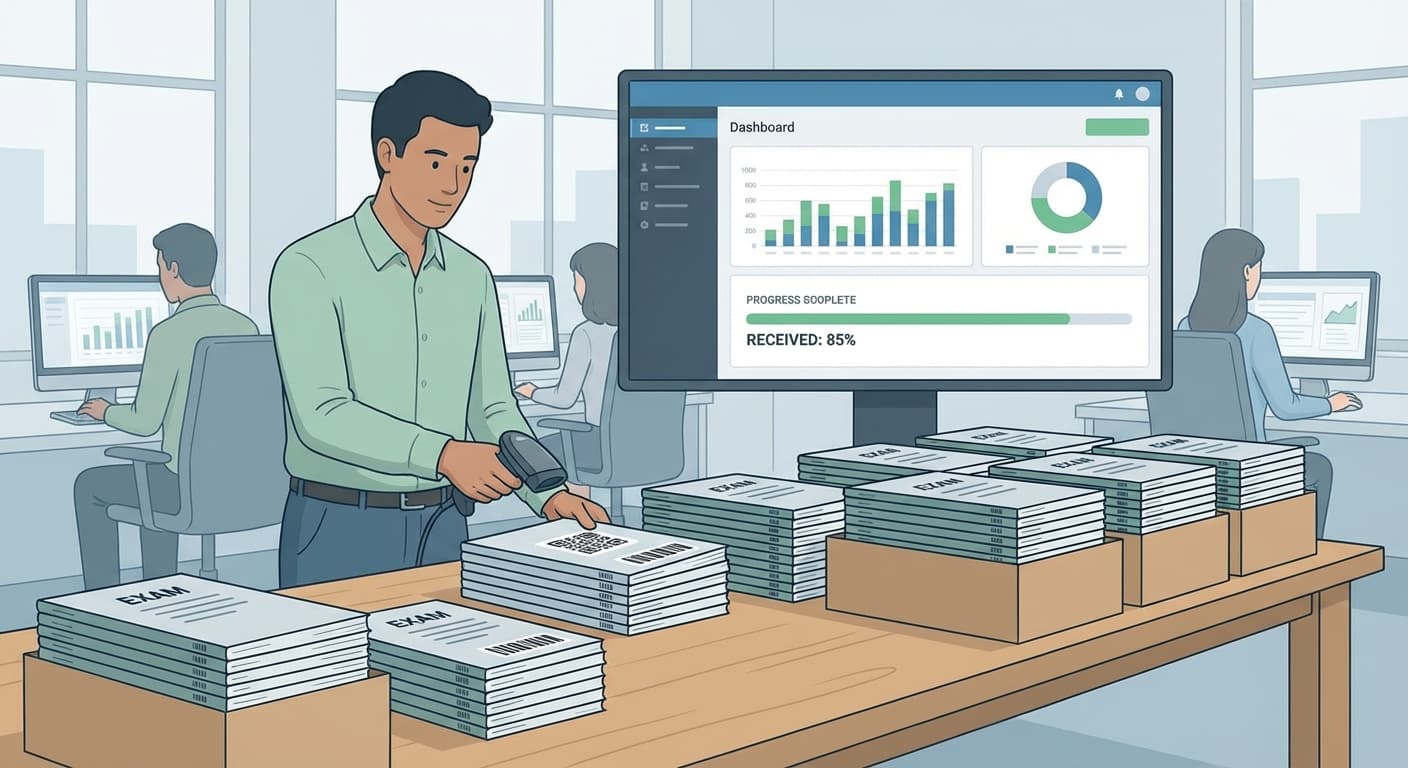
What is Answer Book Inwarding?
Inwarding is the process of receiving and registering physical answer books at a centralized evaluation facility. It's the very first step in the exam evaluation pipeline — and if it goes wrong, everything downstream suffers.
In traditional paper-based systems, inwarding means manually counting answer books, recording details in a physical register, and storing them in racks organized by subject and batch. This manual process is slow, error-prone, and creates accountability gaps.
Digital inwarding transforms this into a tracked, auditable, real-time process using QR codes and a web-based interface.
The Problem with Manual Inwarding
Universities evaluating lakhs of answer books face serious issues with manual inwarding:
Missing Booklets
The most critical problem. An answer book goes missing between an exam centre and the evaluation facility — or between inwarding and scanning — and nobody knows until a student complains that their result wasn't published. By then, weeks have passed.
Miscounting
When you're receiving 10,000+ booklets in a day across dozens of subjects, manual counting errors are inevitable. A subject might show 4,980 booklets received when 5,000 were expected, but the discrepancy isn't noticed until result processing.
No Real-Time Visibility
With paper registers, the Controller of Examinations (COE) has no way to know, in real-time, how many booklets have been received. They have to physically walk to the inwarding area and ask — or wait for someone to compile a report.
Accountability Gaps
If a booklet is lost, there's no way to trace when it was last scanned, who handled it, or at which stage it went missing. The chain of custody is broken.
How Digital Inwarding Works
Pre-Inwarding: QR Code Preparation
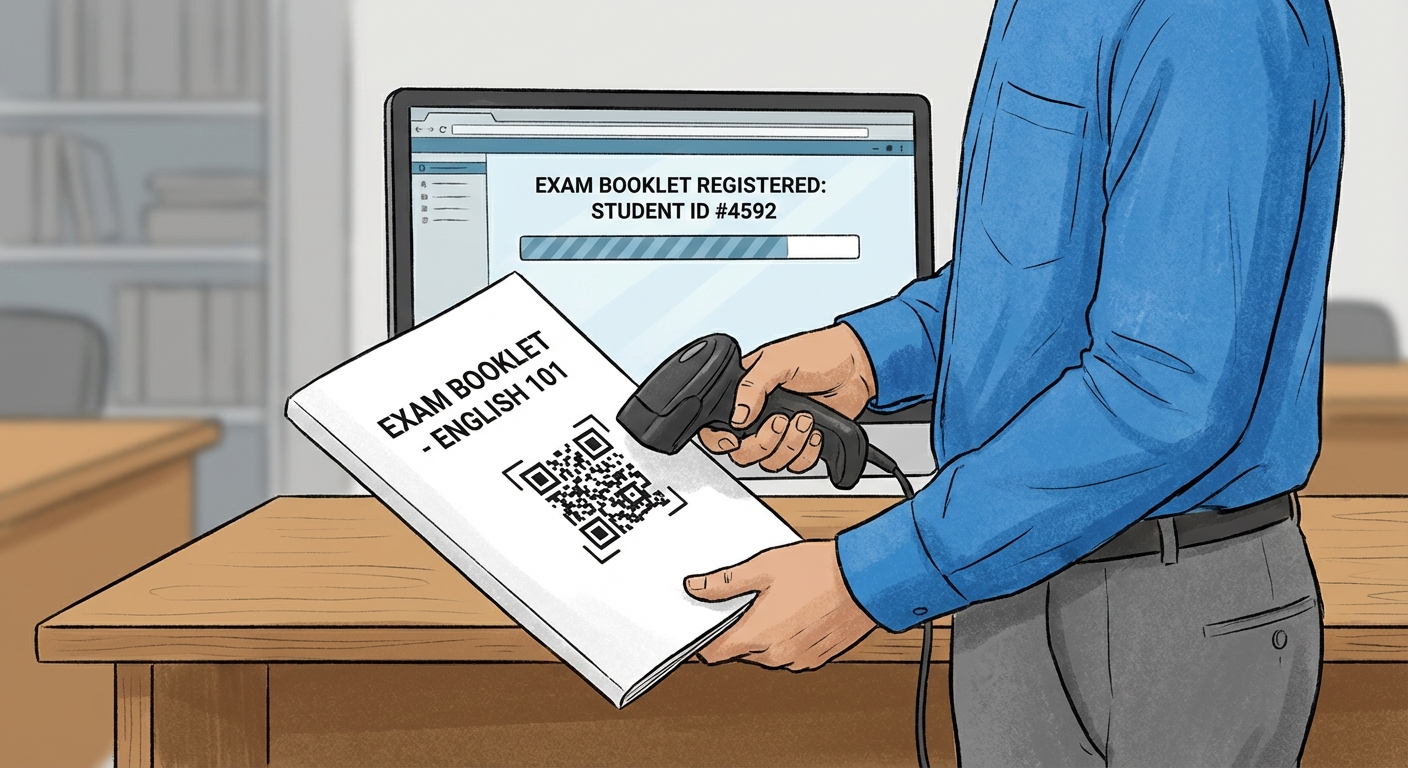
Before exams even begin, the system generates QR code stickers for every answer booklet. Each QR code encodes:
These stickers are printed and affixed to answer books before they're distributed to exam centres. The system can generate QR codes in bulk — thousands at a time — and also supports manual sticker generation for edge cases.
The Inwarding Process
Step 1: Booklets arrive from exam centres
Answer books arrive in sealed bundles, usually organized by exam centre and subject.
Step 2: QR code scanning
An inward operator picks up each booklet and scans the QR code sticker. This can be done with:
Step 3: Instant registration
The moment the QR is scanned, the system:
Step 4: Batch assignment
Booklets are grouped into batches of 50 for efficient downstream processing. Each batch gets its own QR code, allowing the entire batch to be tracked as a unit through scanning, QC, and evaluation.
The Entire Process Takes Seconds Per Booklet
An experienced operator can inward 200-300 booklets per hour — scan QR, place in batch tray, repeat. No writing in registers. No manual counting.
Real-Time Inwarding Dashboard
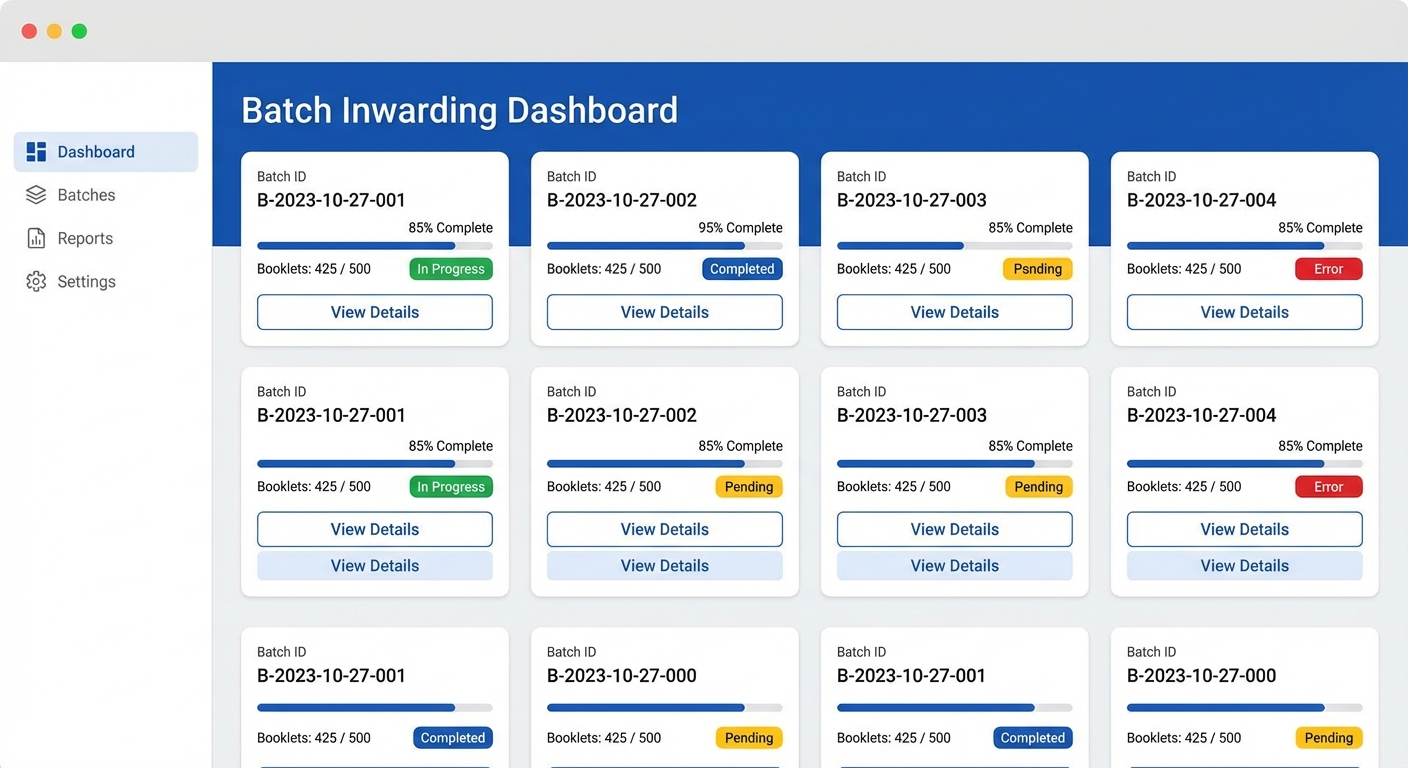
The inwarding dashboard gives the COE and administrators live visibility:
Subject-Wise Progress
Batch-Wise Tracking
Operator Performance
Chain of Custody
Digital inwarding creates an unbroken chain of custody for every answer book:
| Stage | Tracked Data |
|---|---|
| Receipt | Timestamp, operator, exam centre, subject |
| Batch Assignment | Batch number, position in batch |
| Scanning | Scanner operator, scan time, page count |
| QC | QC operator, approval/rejection, issues found |
| Evaluation | Evaluator, start time, completion time, marks |
| Moderation | Moderator, review time, flags |
| Result | Processing time, validation status, publication |
If a student files an RTI request asking "what happened to my answer book?", the institution can pull up the complete history in seconds — every person who touched it, every timestamp, every status change.
Handling Edge Cases
Real-world inwarding isn't always clean. The system handles:
Booklets Without QR Stickers
Some booklets arrive without QR stickers (damaged, fell off, or supplementary answer books). The system supports manual sticker generation — the operator creates a new QR sticker on the spot, affixes it, and scans.
Duplicate Scanning
If an operator accidentally scans the same QR twice, the system alerts immediately — "This booklet has already been inwarded at [timestamp]."
Unexpected Booklets
Booklets that aren't in the expected list (wrong subject, wrong exam centre, unknown QR) are flagged for administrative review rather than silently accepted.
Batch Size Variations
While the standard is 50 booklets per batch, the system accommodates partial batches (e.g., the last batch of a subject might only have 23 booklets).
From Inwarding to Scanning — A Seamless Handoff
Once booklets are inwarded and batched, they move to scanning stations. Because the batch QR code encodes all the metadata, the scanning operator simply:
No paperwork handed between teams. No spreadsheet mapping batch numbers to subjects. The system knows everything.
Why Inwarding Is the Foundation
Every downstream process depends on inwarding accuracy:
Get inwarding wrong, and you're fighting data quality issues through every subsequent stage. Get it right, and the rest of the pipeline runs smoothly.
The Bottom Line
Digital inwarding replaces paper registers, manual counting, and accountability gaps with QR-coded tracking, real-time dashboards, and an unbroken chain of custody. It takes seconds per booklet, gives the COE instant visibility, and ensures that not a single answer book falls through the cracks.
For institutions handling tens of thousands to lakhs of answer books, this isn't a nice-to-have — it's the foundation that makes everything else possible.
Related Reading
Ready to digitize your evaluation process?
See how MAPLES OSM can transform exam evaluation at your institution.